The site office, in your pocket
Ask the project, open the Vault and log what you found on site, from the phone already in your hand.
Book a demo
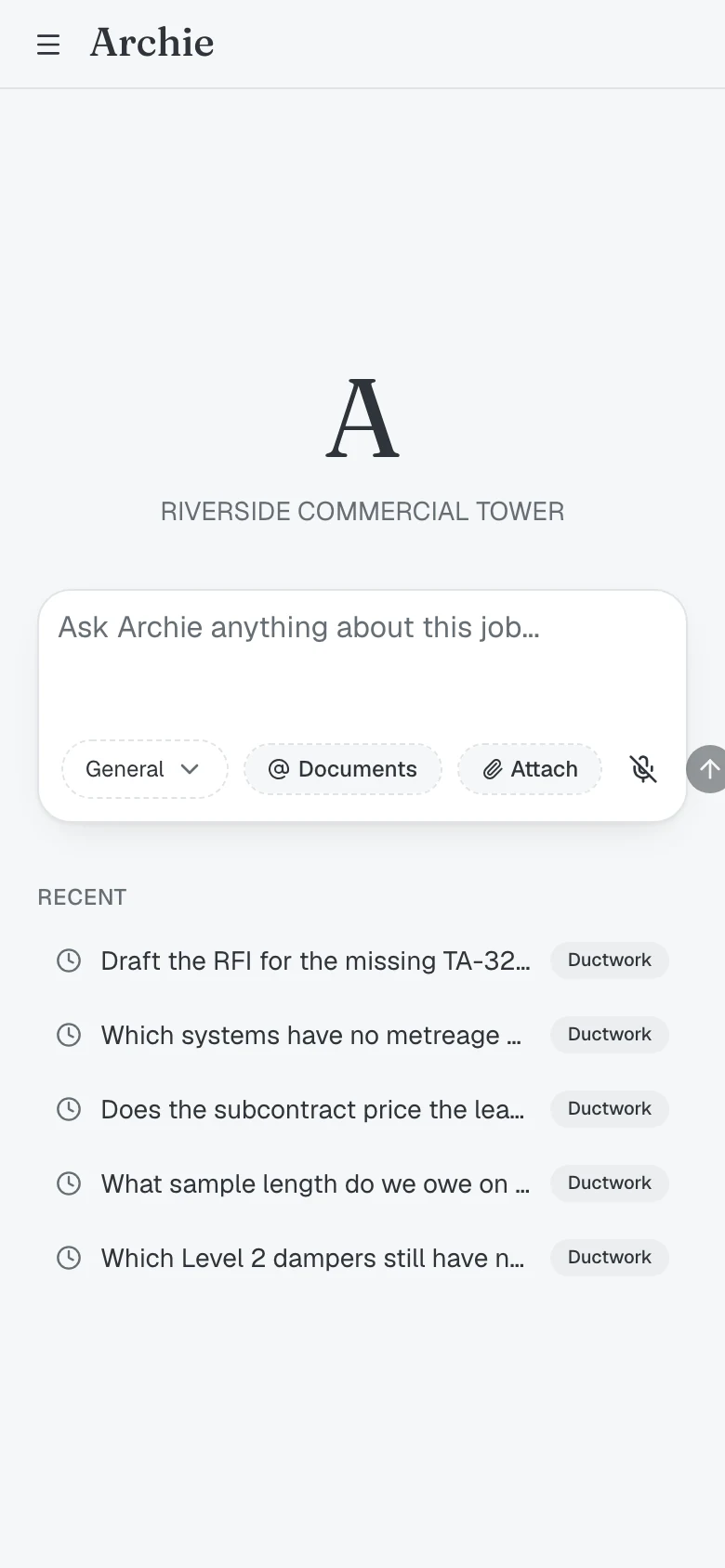
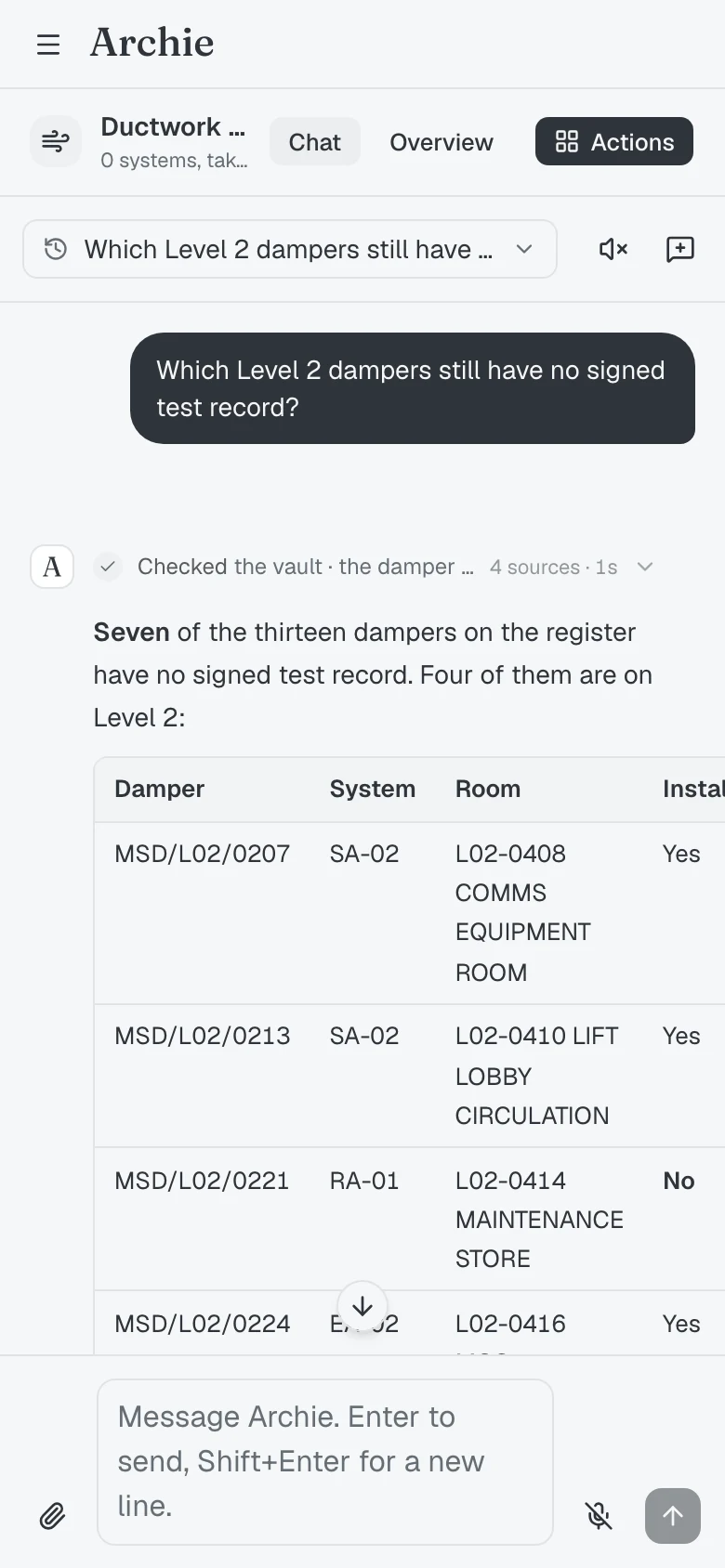
The job, in the field. Read the record, capture what you find and keep the evidence trail moving.
The whole record, on the floor
Open the job on site, read every document it holds and pick up any earlier answer.

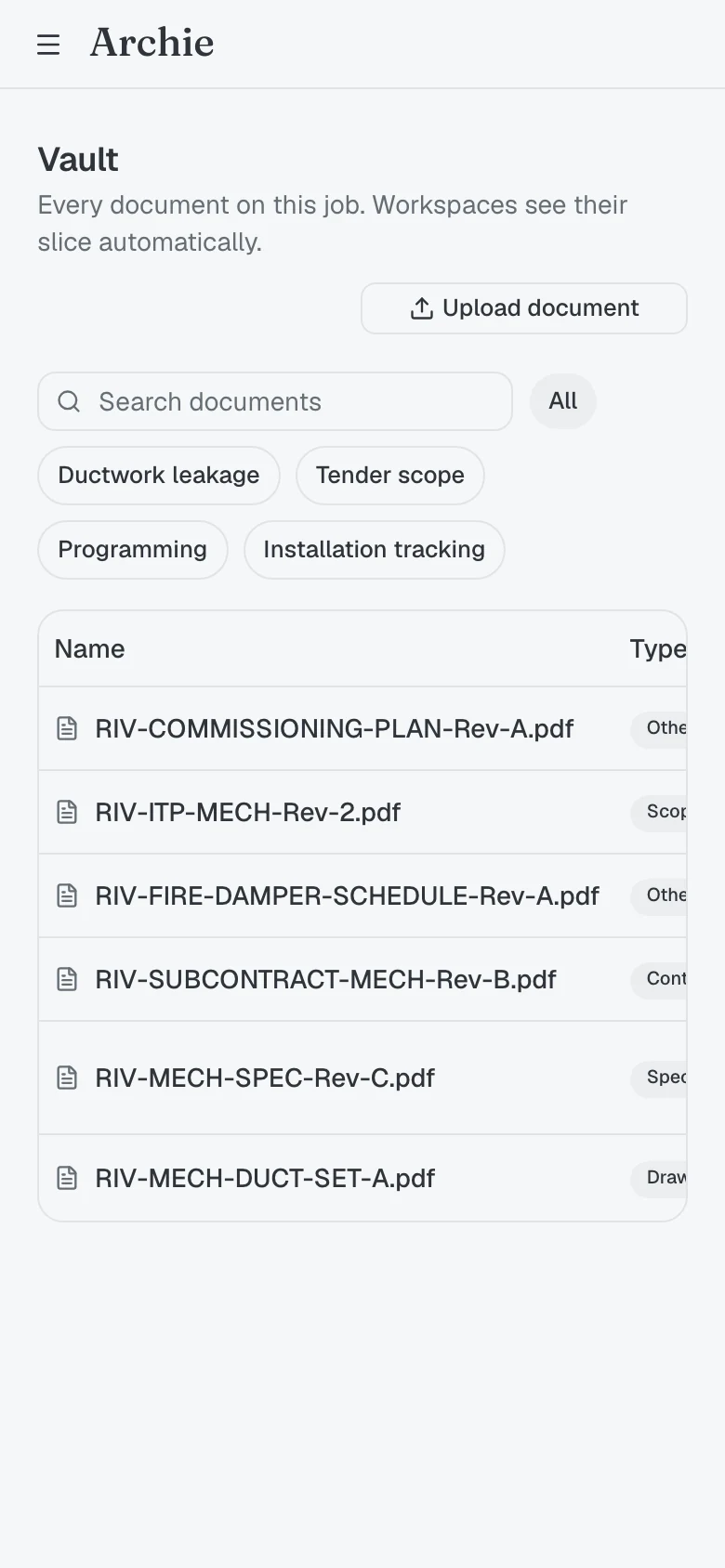
Vault
Search, open and query every drawing, specification, schedule and contract on the job.
History
Every thread already run on this job, in step across phone and desktop.
Keep the install moving
Record progress, photograph the work and file the ITR from the floor.

Field capture
Photograph what you install and the picture lands in the evidence trail against that asset.
Site ITRs
Open the test record for the system in front of you, complete it and file it.
Sign off anywhere
Review what is ready, sign from the phone and the record locks immediately.
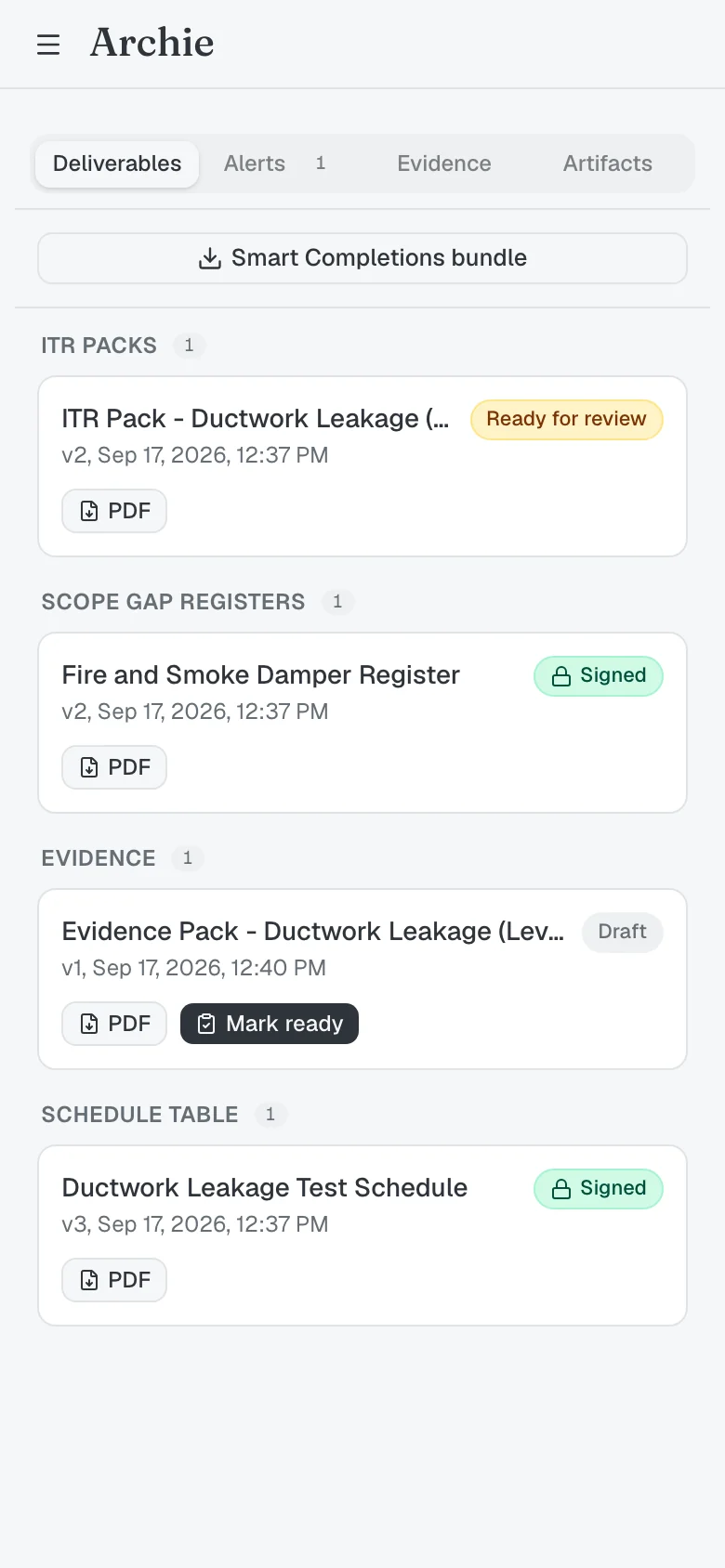
Sign-off from the phone
Signing renders the PDF, stores its hash and locks the record.
Permissions carry across
The same roles, workspaces and access rules as the desktop, nothing extra to configure.
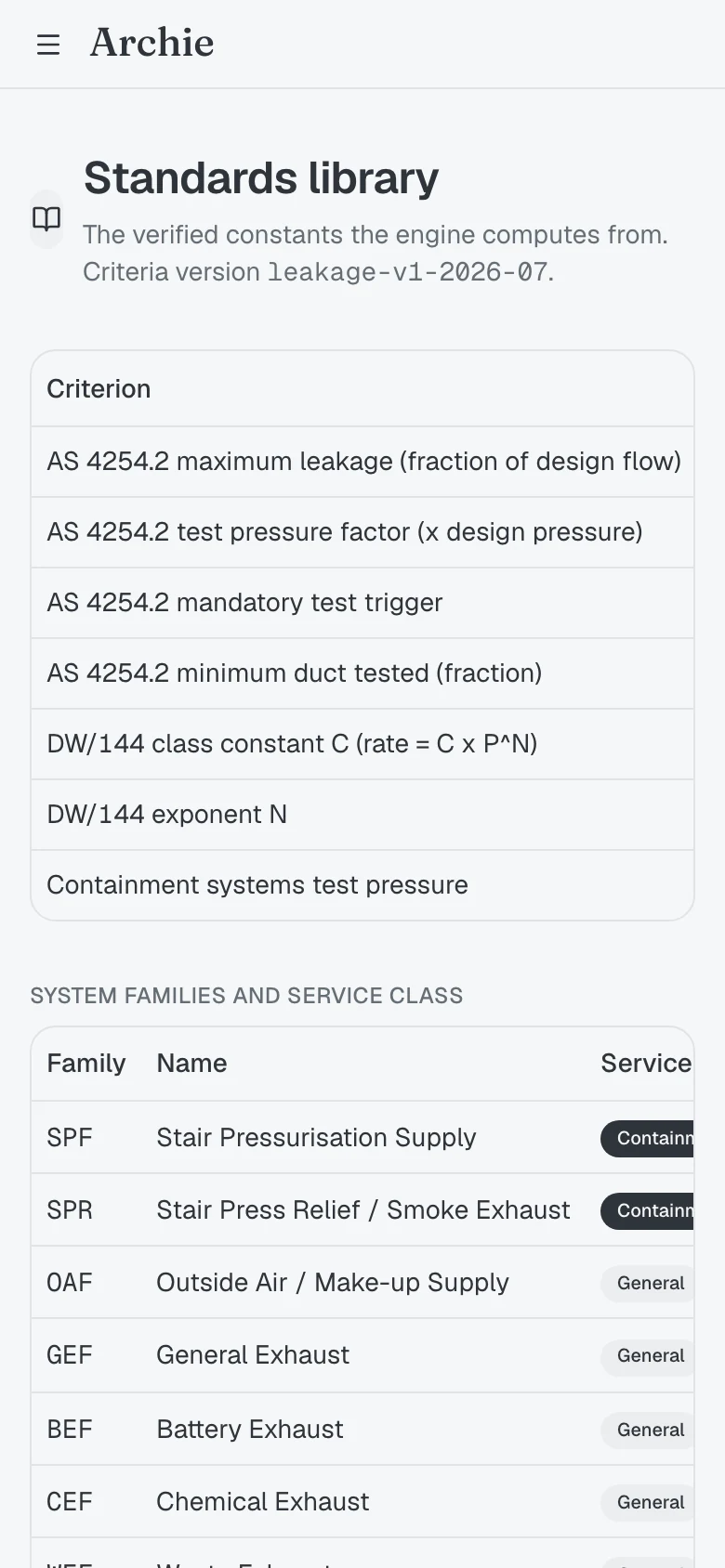
“A record you can defend is one you can check on the spot. Archie Mobile carries the same evidence trail the desktop does, with nothing thinned out for the phone.”
The Archie team
How teams use Archie Mobile
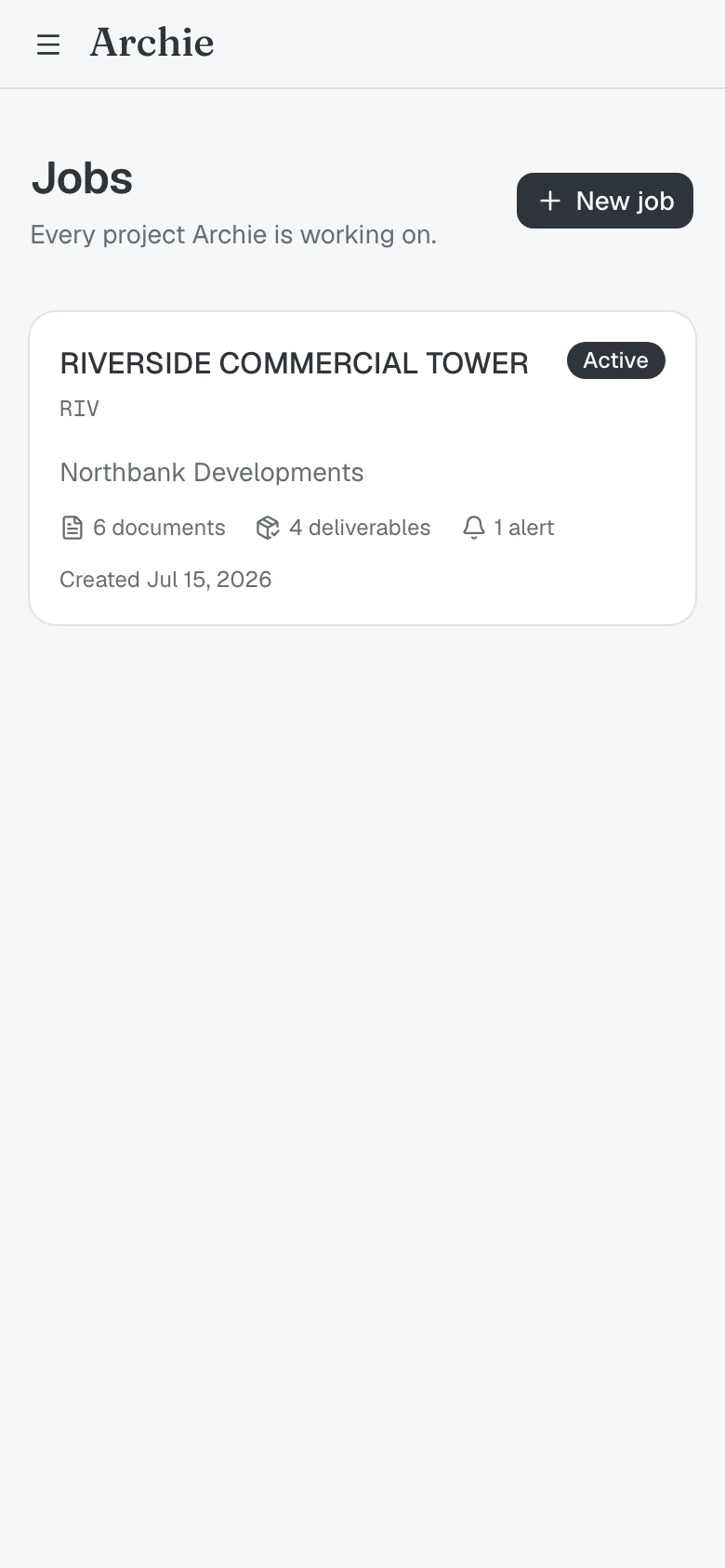
Open the right job on the way in
On the way to site, open the job and read where it stands: how many documents are in the Vault, how many deliverables are open, and what is alerting.
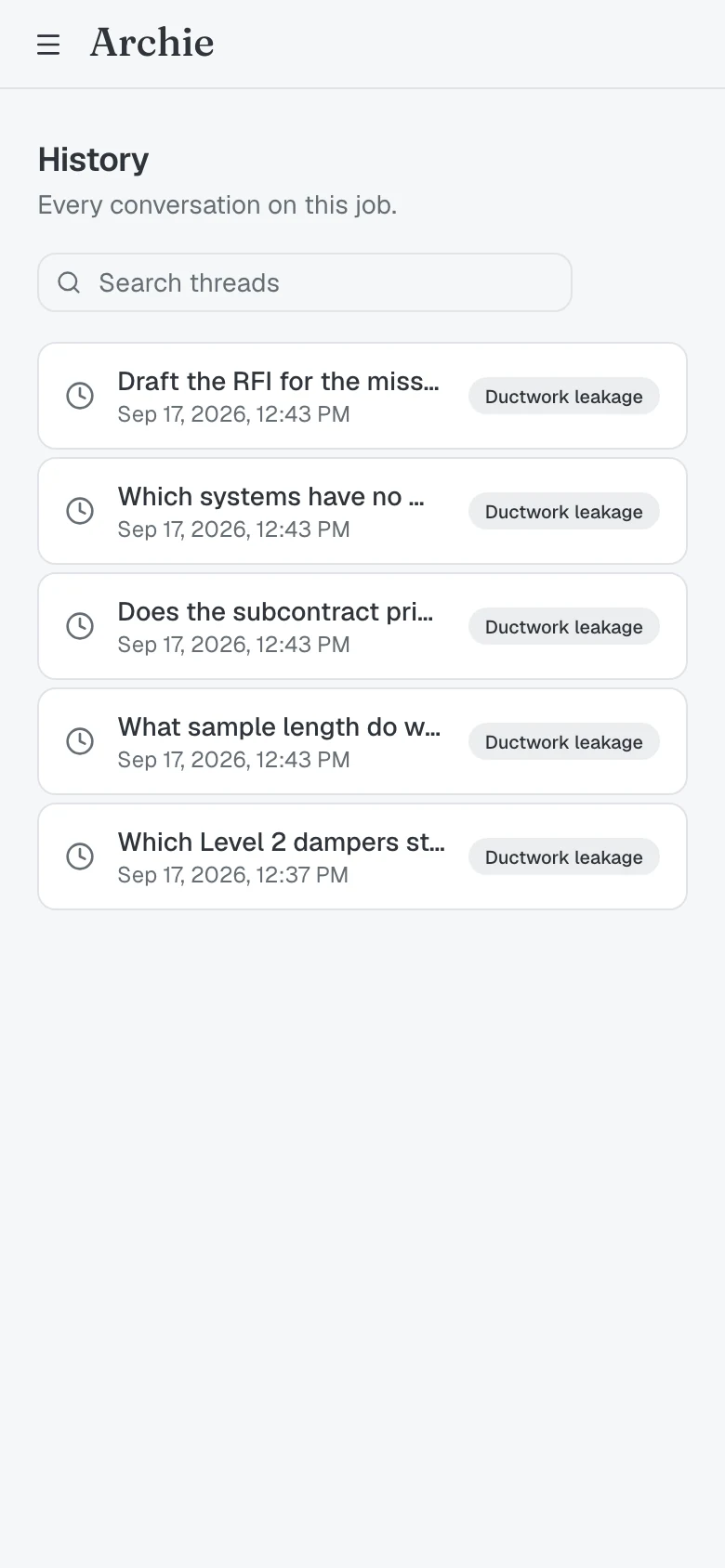
Pick up an answer already given
Every thread run on this job stays on the phone, so last week's answer is one tap away.
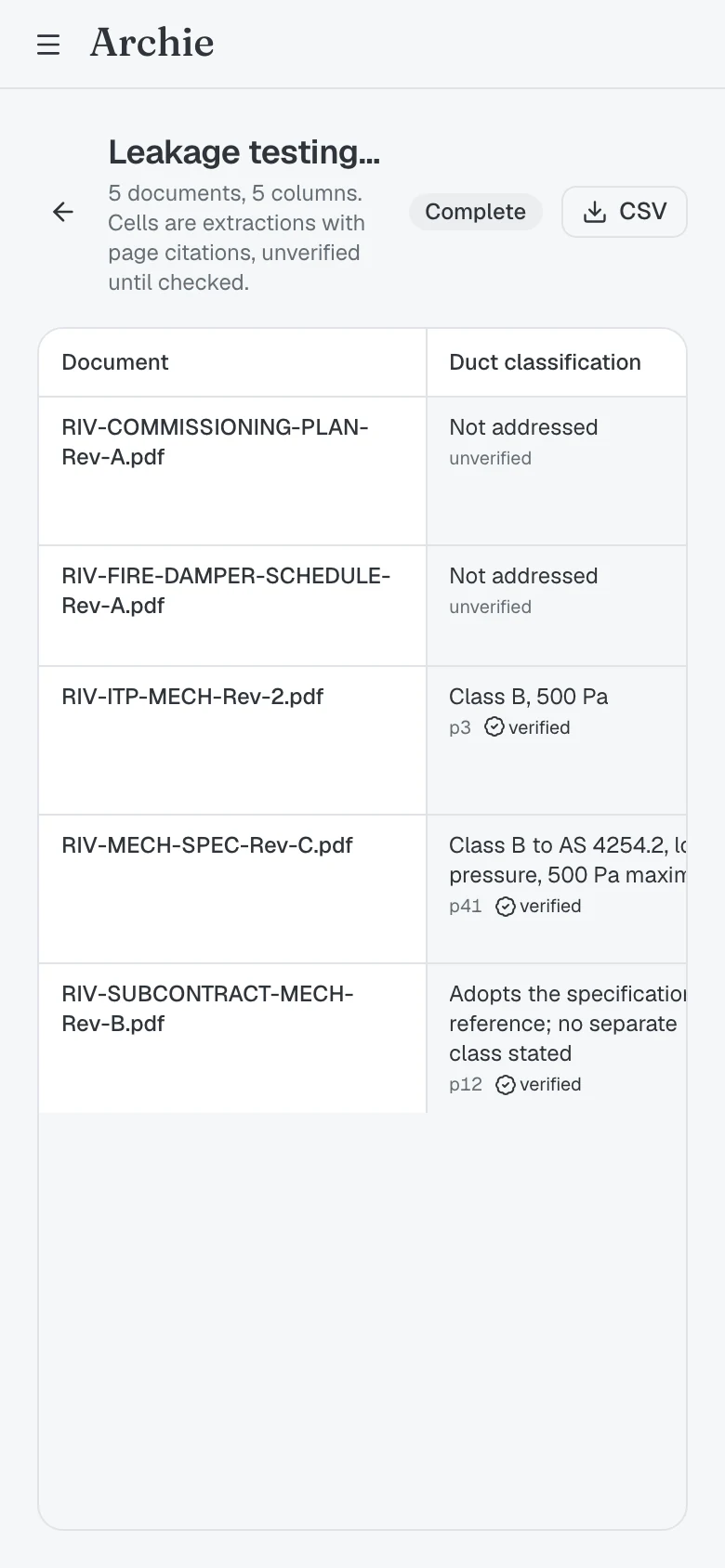
Check what every document requires
Open the review table and read what each document actually requires, every cell carrying the page it was extracted from.
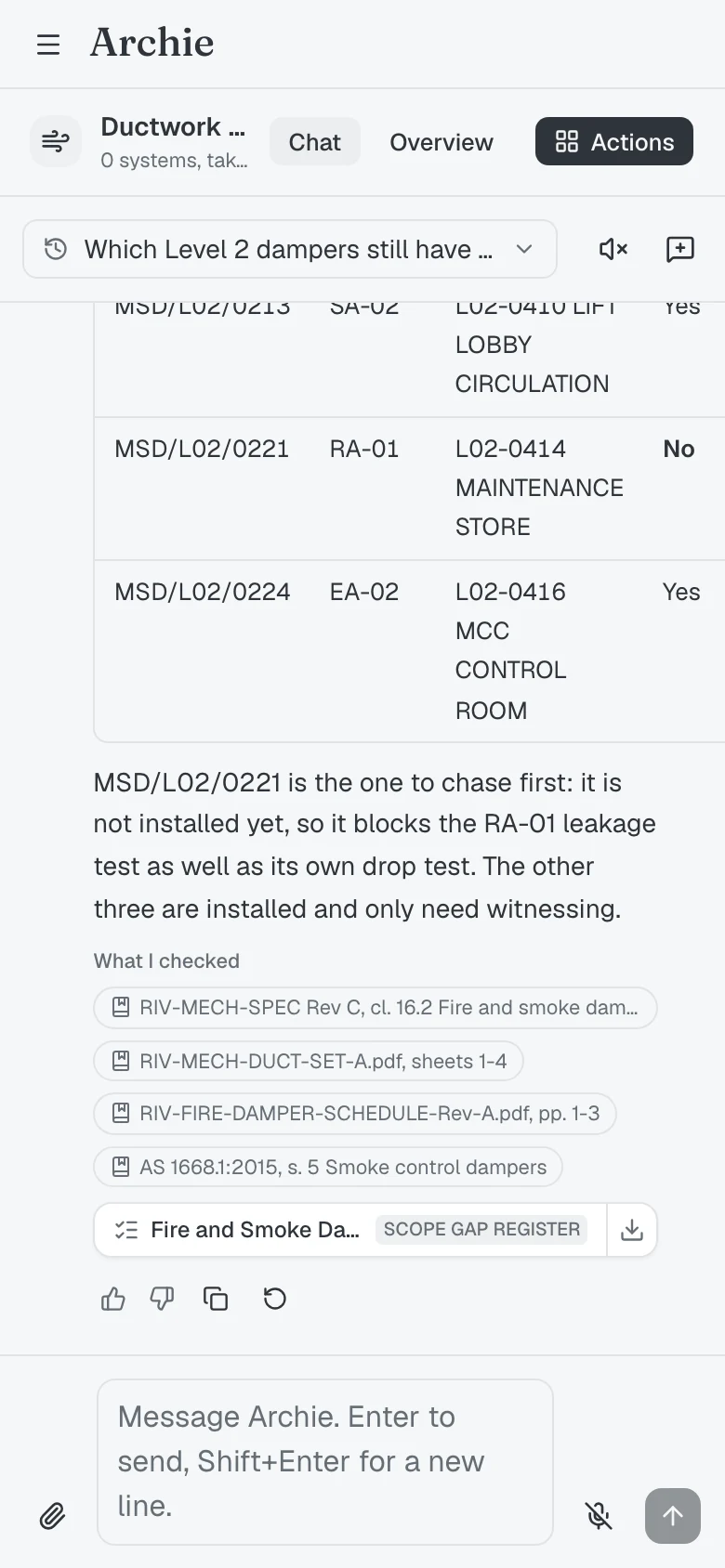
Open an answer's sources
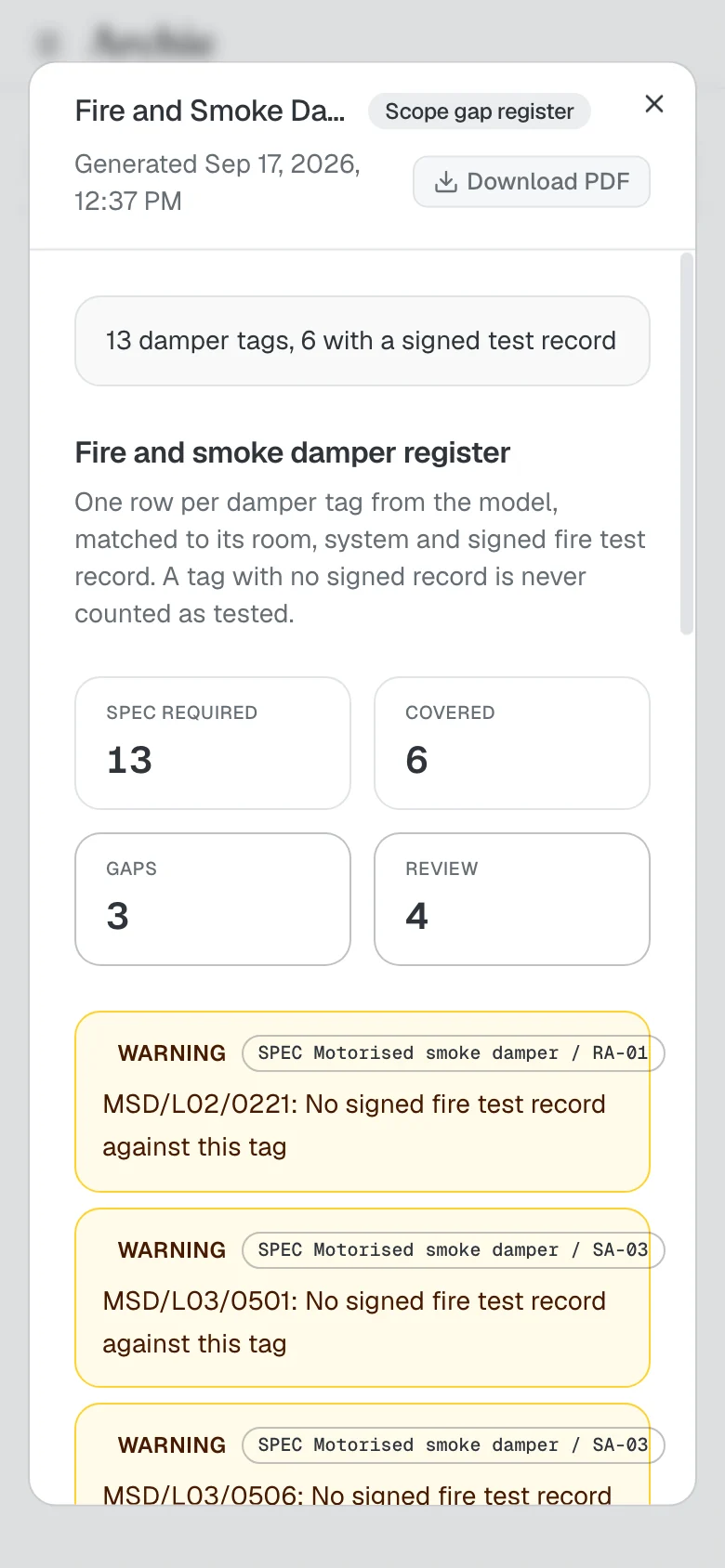
Every answer carries the documents and clauses behind it, and the register it produced.
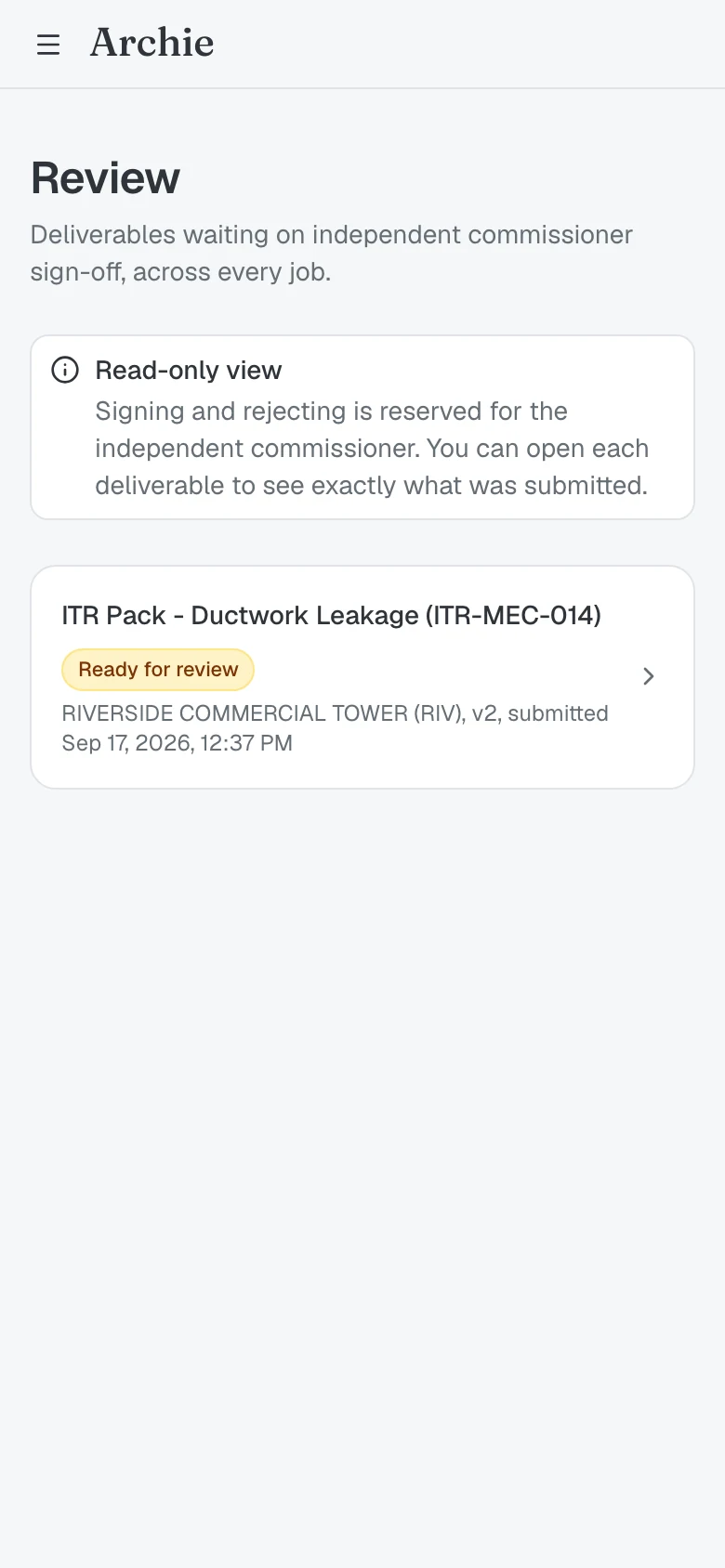
Clear the sign-off queue
See what is waiting on the independent commissioner, what was submitted and which version, without having to open a laptop.
On the way to site, open the job and read where it stands: how many documents are in the Vault, how many deliverables are open, and what is alerting.
Every thread run on this job stays on the phone, so last week's answer is one tap away.
Open the review table and read what each document actually requires, every cell carrying the page it was extracted from.
Every answer carries the documents and clauses behind it, and the register it produced.
See what is waiting on the independent commissioner, what was submitted and which version, without having to open a laptop.